
Client Portals
Your customers call and text all day asking how their job is going, or asking you to resend an invoice they lost. A client portal gives them one place to check for themselves, so you can get on with the work.
The problem
Keeping customers updated is part of the job. Doing it one text at a time takes too long.
The same questions all day
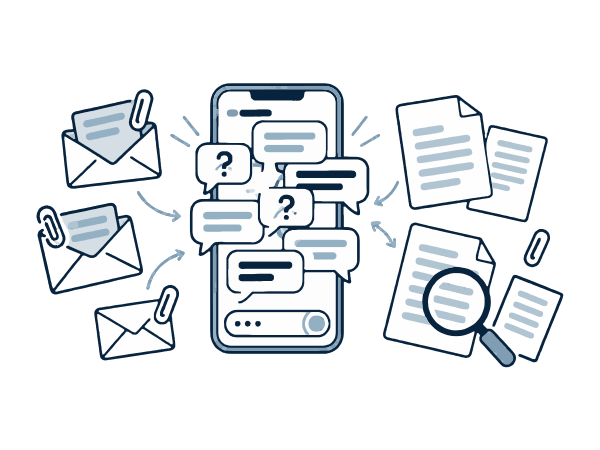
When are you starting? Is it done yet? Can you send that invoice again? Each one is quick, but together they take hours out of your week.
Files lost in email
You send a quote, a contract, and photos. A month later the customer can't find them, so you search your sent folder and send them again.
Updates that are hard to prove
Photos and approvals are spread across your phone, your crew's phones, and your email. If there's a disagreement about a change, it's hard to show what was agreed.
What we build
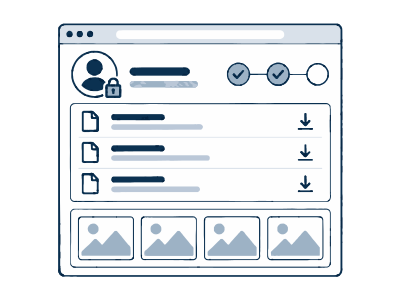
A simple website your customers log in to. Each customer only sees their own information.
Job status and photos
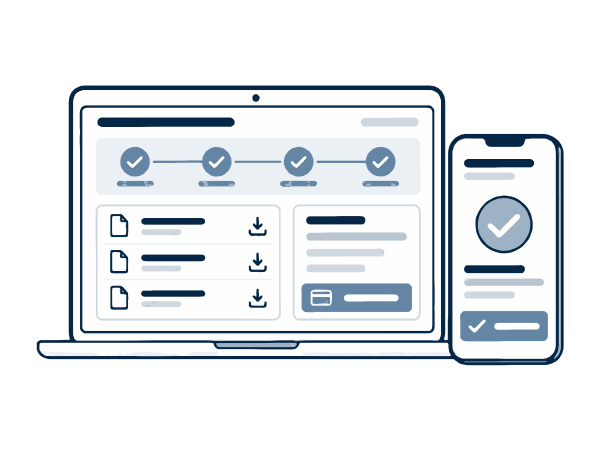
Customers see where their job is at, what happens next, and photos from the site. Your crew adds them from their phone.
Documents in one place
Quotes, contracts, invoices, receipts, and warranties. Customers can download them any time without asking you.
Approvals and payments
Customers can approve a quote or a change and pay an invoice online. You get a record with the date and time.
How it works
-
1
We learn what customers ask
We look at the questions you get most and the files you send during a job. That decides what goes in the portal.
-
2
We build and connect it
We connect the portal to the software you already use for jobs and invoices, so your team doesn't enter anything twice.
-
3
We help customers start using it
We write a short welcome email and text for your customers, and add the portal link to your quotes and invoices.
What changes for you
Fewer calls and texts
Customers check the portal first. You only answer the questions that really need you.
A record of everything
Every photo, approval, and payment is saved with a date. If there's a disagreement, you have proof.
Customers who worry less
People are calmer when they can see what's happening with their job. That makes the whole job easier for you.
Common questions
Have a different question? Book a short call and we'll answer it.
Will our customers actually use it?
Some will use it every day and some never will. It works best when the link is on every quote, invoice, and update text. Customers who would rather call can still call.
Do customers have to download an app or remember a password?
No. It works in the web browser on any phone or computer. Customers can log in with a link sent to their email or phone, so there's no password to forget.
Can we control what customers see?
Yes. You choose what gets shared. For example, photos only after your team approves them, or invoices only after they're sent.
Is our customers' information safe?
Each customer can only see their own jobs and files. Data is encrypted when it's sent, and we follow the security steps in our Privacy Policy.
Tell us what you need.
Book a short video call and tell us about your business and the problem you want to fix.