
Data Management
Your customer list is in three places, half of it is duplicates, and nobody trusts the numbers. We clean it up, put it in one place, and move it off the old system without losing your history.
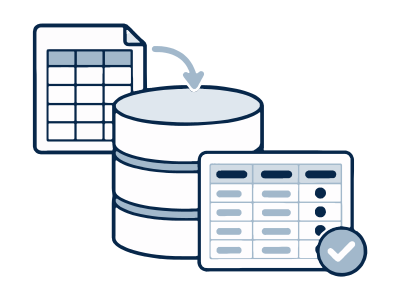
The problem
Messy data doesn't happen all at once. It builds up over years of different people and different programs.
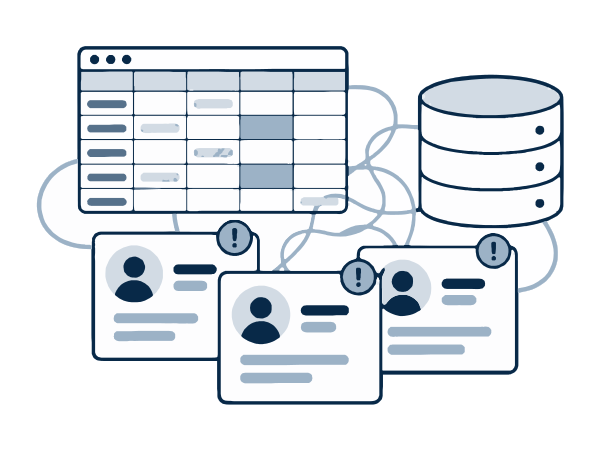
The same customer five times
One person is saved as Bob Smith, Robert Smith, and R. Smith with two different addresses. Your software has no easy way to merge them, so someone does it one record at a time.
Data in too many places
Customers in your job software, prices in a spreadsheet, and old jobs in QuickBooks Desktop or an Access database. To answer one simple question, you open four programs.
Afraid to move it
You've heard the stories. The move to new software loses years of job history, old customers show up as active again, or reports stop matching last year. So you stay on the old system.
What we build
We start by looking at the data you have. Then we fix it in this order.
One clean database
We design a database around your business, with customers, jobs, invoices, and anything else you track. Each thing is stored once, in one place.
Cleanup you can check
We find and merge duplicates, fix bad addresses and phone numbers, and fill in gaps where we can. You get a list of the changes so you can see what we did.
A move with nothing left out
We move your data from spreadsheets, Access, QuickBooks Desktop, or old software. That includes your history, not only open records. We count everything before and after so the totals match.
How it works
-
1
We look at your data
You give us a copy of your data. We tell you what we found, what can be fixed, and what the work will involve before any cleanup starts.
-
2
We clean a copy
We never work on your only copy. When the cleanup is done, you review a sample and tell us if anything looks wrong.
-
3
We move it and check it
We move the data, then compare record counts and totals with the old system. Your old data stays untouched until you approve the result.
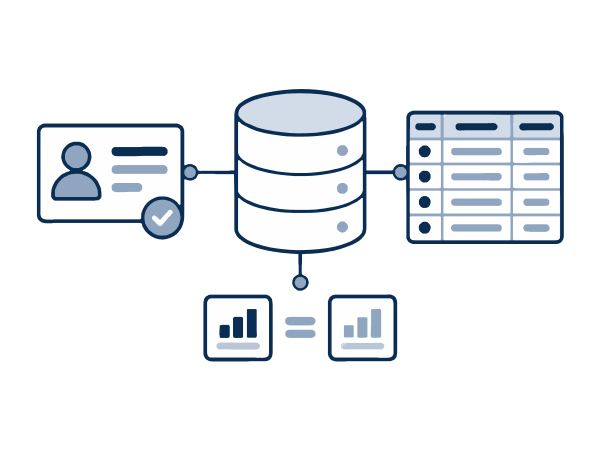
What changes for you
Numbers you can trust
When each customer is only in the system once, your customer count, sales totals, and reports are correct.
Less time fixing records
Your office stops merging duplicates and typing the same info into different programs.
Your history comes with you
Old jobs, invoices, and notes are still there after the move. You can look up what you did for a customer three years ago.
Common questions
Have a different question? Book a short call and we'll answer it.
What if our data is a real mess?
That's normal. Most data we see has duplicates, empty fields, and old records nobody uses. We'll tell you honestly what can be fixed and what can't.
Will we lose anything in the move?
We keep your original data untouched and work on a copy. We compare record counts and totals before and after, and you approve the result before we switch anything over.
Can you get our data out of software that won't let us export it?
Often, yes. Most systems have some way to get data out, even when there isn't a simple export button. We'll check before we promise anything.
Do we have to stop working during the move?
No. We do the work on a copy and switch over at a quiet time, like an evening or weekend, so your team can keep working.
Tell us what you need.
Book a short video call and tell us about your business and the problem you want to fix.