
Crew Scheduling
If you schedule jobs with a whiteboard, a spreadsheet, and a group chat, things get missed. We build a scheduling tool that fits how you run your crews, so everyone knows where to be and what to bring.
The problem
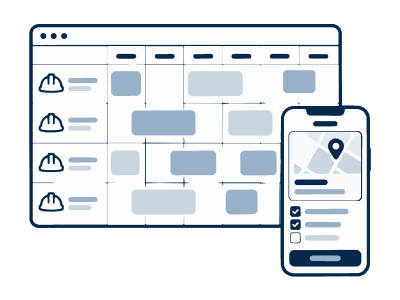
Most scheduling software is built for big companies. Smaller teams end up with a spreadsheet and a lot of texts.
Double bookings and missed changes
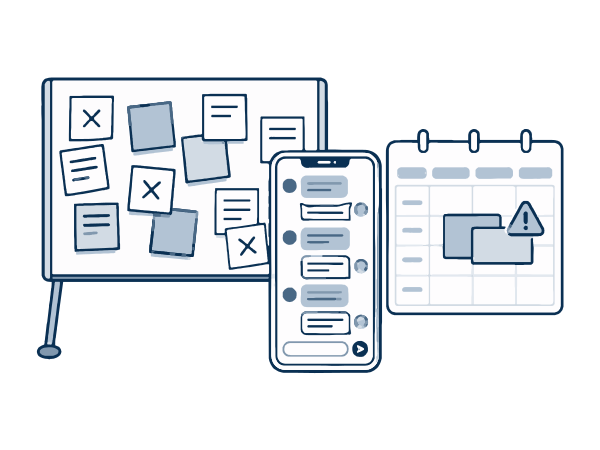
A customer moves their appointment, the text gets missed, and the crew shows up on the wrong day. Or two jobs get booked for the same time.
Crews without the right info
Wrong address, no gate code, or no idea what parts to bring. So the crew calls the office, and the office calls the customer.
Hours that don't add up
Timesheets are on paper, people forget to clock out, and someone spends Sunday night typing hours into payroll.
What we build
One schedule that the office and the crew both see, set up for the way you assign work.
A schedule for the office
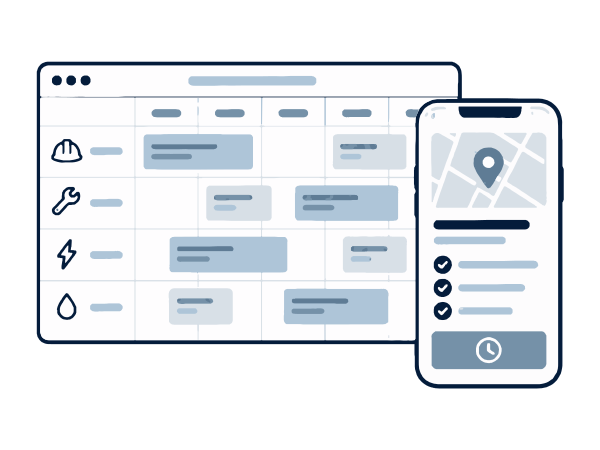
See every crew and job by day or week. Drag a job to move it, and the crew gets a text about the change right away.
A job list for the crew
Each person sees today's and tomorrow's jobs on their phone, with the address, customer notes, photos, and what to bring.
Time and job tracking
Crews clock in and out at the job and mark it done when they finish. Hours can go straight into your payroll or accounting software.
How it works
-
1
We learn how you schedule now
We look at your whiteboard, spreadsheet, or calendar and talk with the person who does the scheduling. We keep what works and fix what doesn't.
-
2
We start with a simple version
Your office and one crew use it for a few weeks. We make changes based on what they tell us.
-
3
Everyone switches over
We add your upcoming jobs, show your crews how it works in a few minutes, and help while everyone gets used to it.
What changes for you
Fewer mistakes on the job
Crews show up at the right place and time, with the info they need.
Less time on the phone
The office doesn't have to call each crew about a change. The app tells them.
Faster payroll
Hours are already recorded, so there's no stack of timesheets to type in.
Common questions
Have a different question? Book a short call and we'll answer it.
Some of our crew aren't good with technology. Will they use it?
We keep the crew screen very simple. Most days they only need to open today's jobs and tap a button when they start and finish. If something confuses people, we remove it.
Why not just buy scheduling software?
For many businesses, that works fine. We're a good fit when the software you tried costs too much per user, doesn't match how you work, or makes you pay for features you'll never use.
Does it track where our crews are?
Only if you want it to. Some businesses want a location check when crews clock in at a job. Others don't. We build what fits your team.
Can it connect to QuickBooks?
Yes. We can send hours and finished jobs to QuickBooks and most other accounting and payroll software.
Tell us what you need.
Book a short video call and tell us about your business and the problem you want to fix.